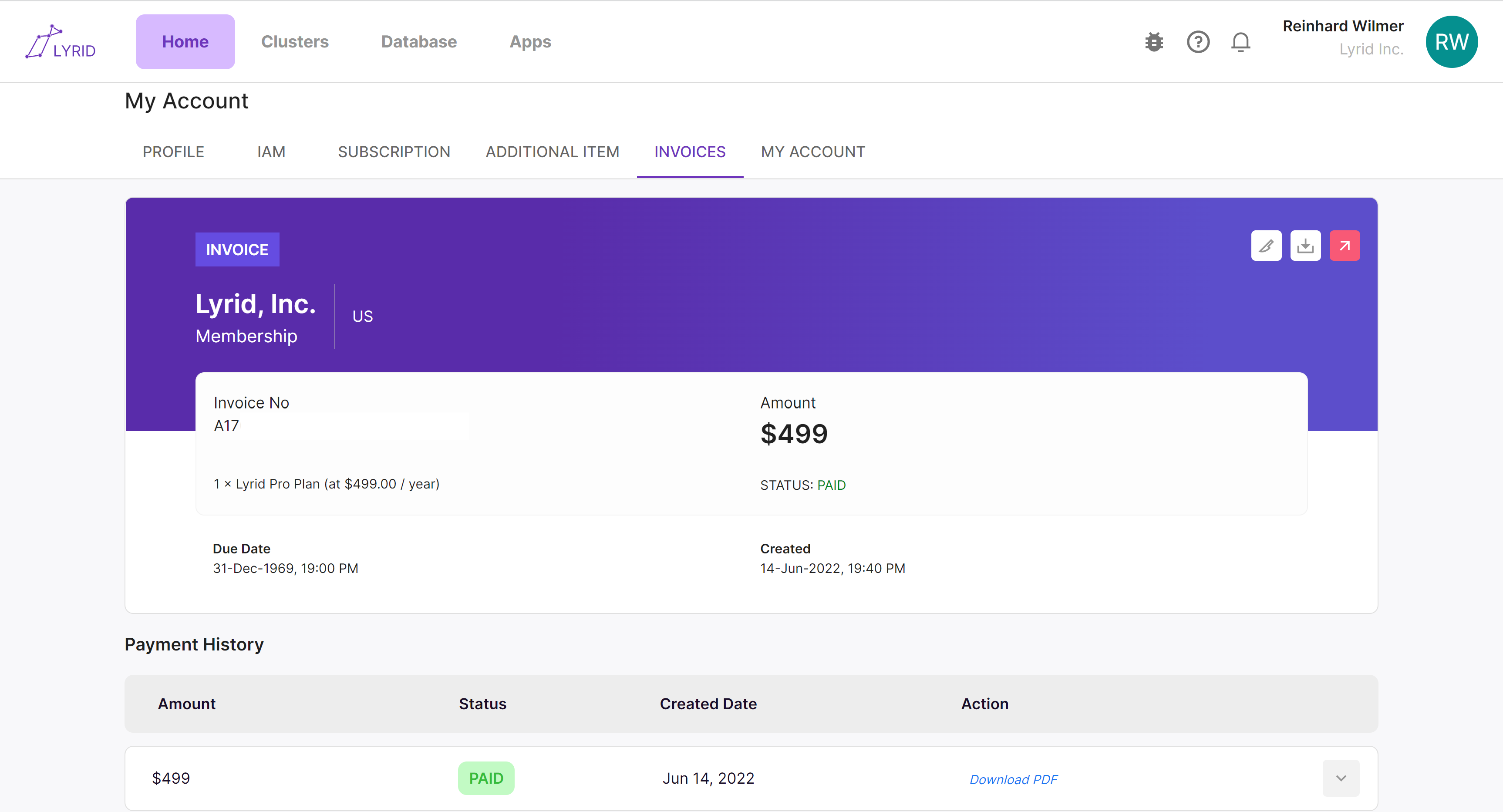
Subscriptions and Invoices
Change Subscription
Lyrid Web Application / My Account / Subscription
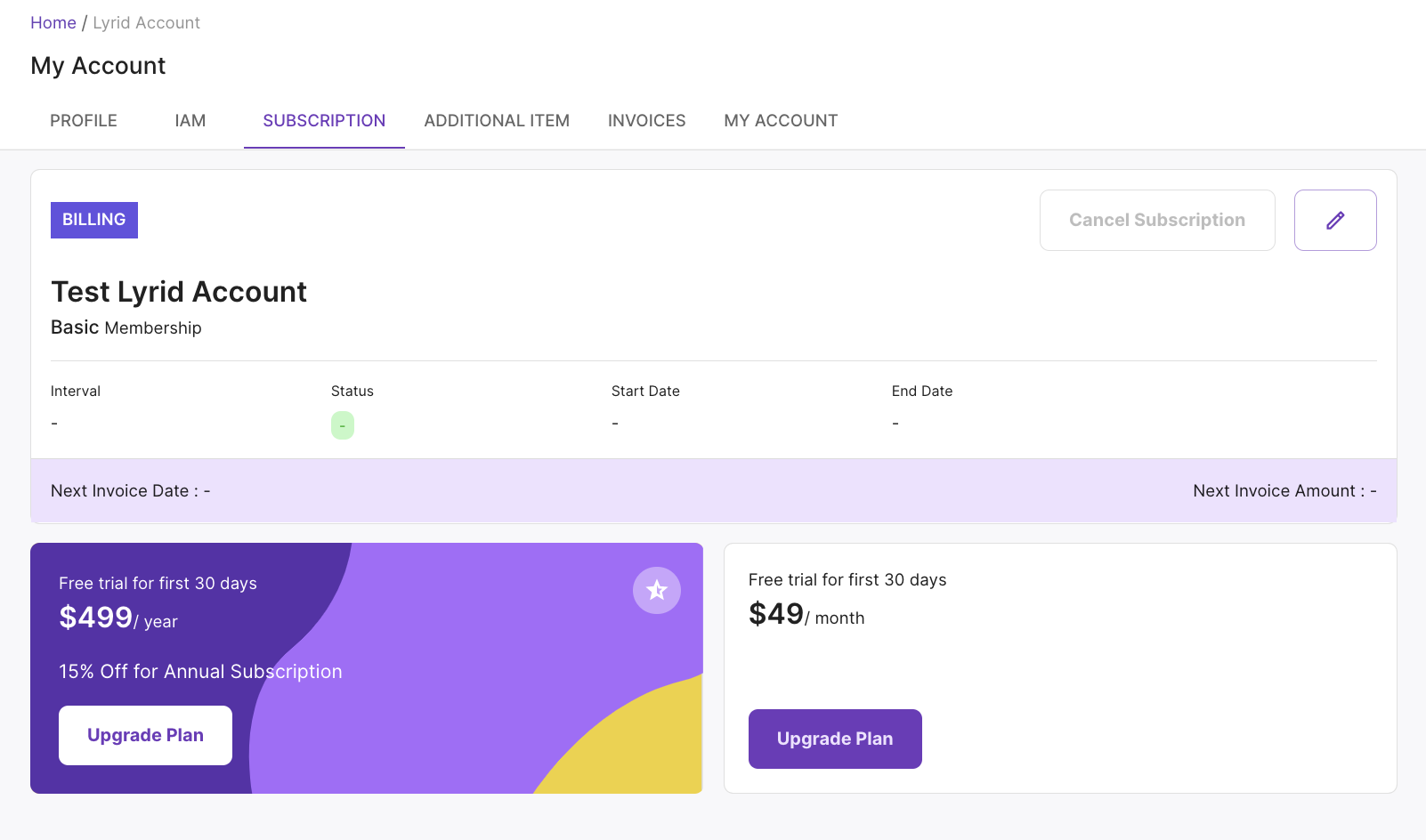
“Subscription” page lets you check which plan you are currently subscribed to. Most accounts start free and can be free forever!
Free users can check which plans are available for purchase and select "Upgrade Plan".
Pro and Enterprise Users can check the membership plan and the duration. Users can delete the card information after payment and add a new card.
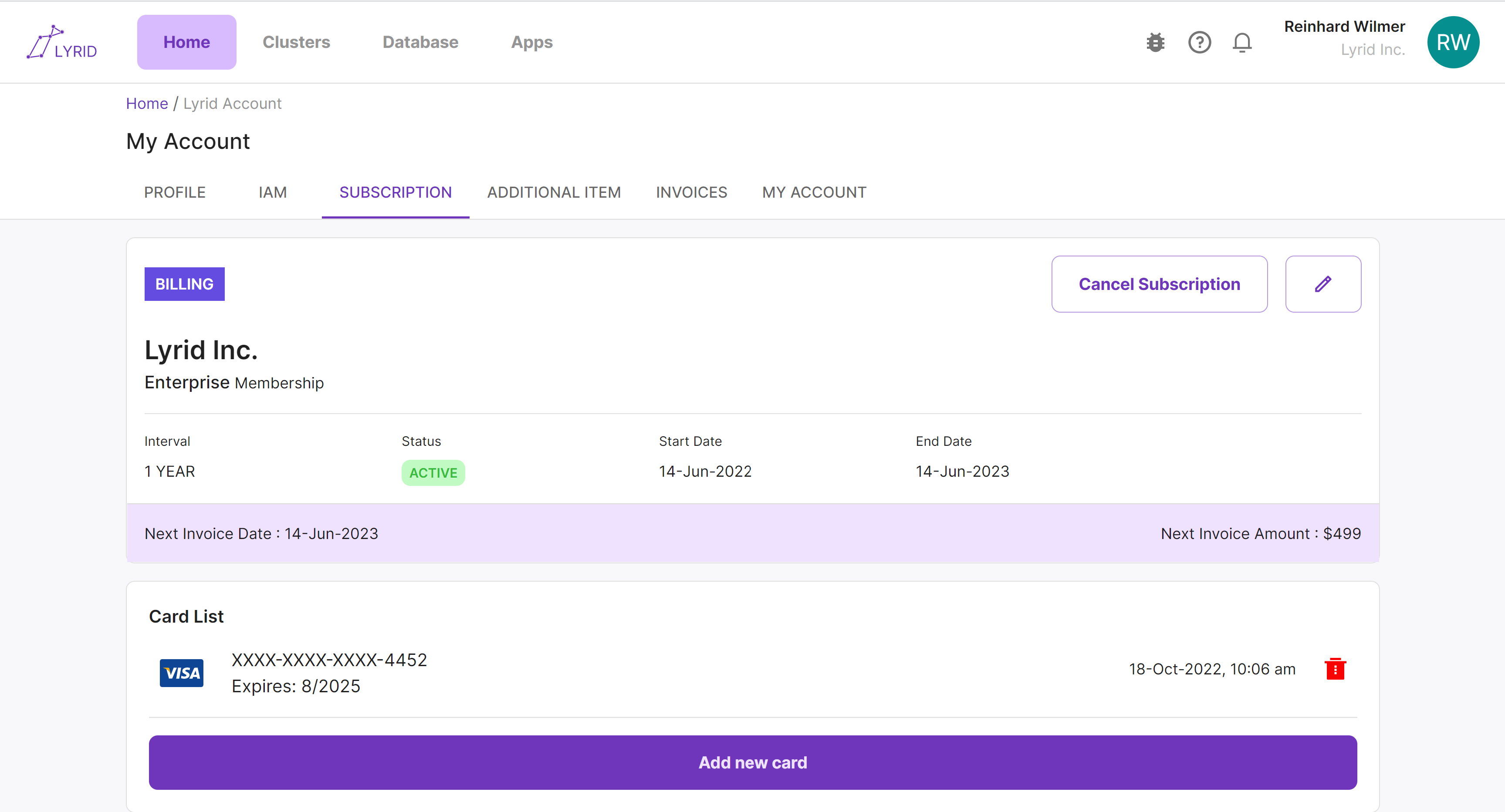
Cancel Subscription
Simply cancel your current subscription by selecting "Cancel Subscription"
Invoices
Lyrid Web Application / My Account / Invoices
“Invoice” shows the amount owed, status and due dates. As well as a payment history. Users can download PDF version of the invoices.